
An exercise library that belongs to your gym
Kaizer's exercises plus your own, with video, in the catalog your whole staff uses.
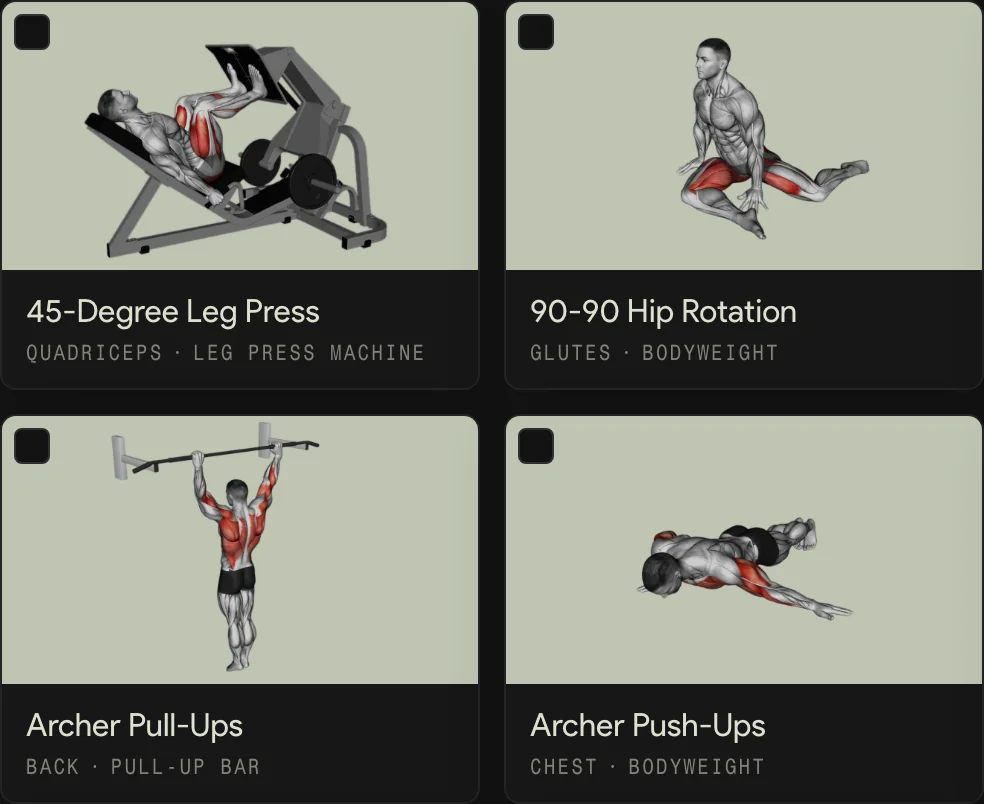
- Rest your upper back on the bench, with the bar over your hips.
- Drive through your heels until your hips line up with your torso.
- Lower with control, without resting your hips on the floor.
What the catalog holds
It belongs to the gym, not to each coach: a member sees the same movement explained the same way, whoever built their routine.
- 01
Kaizer's exercises
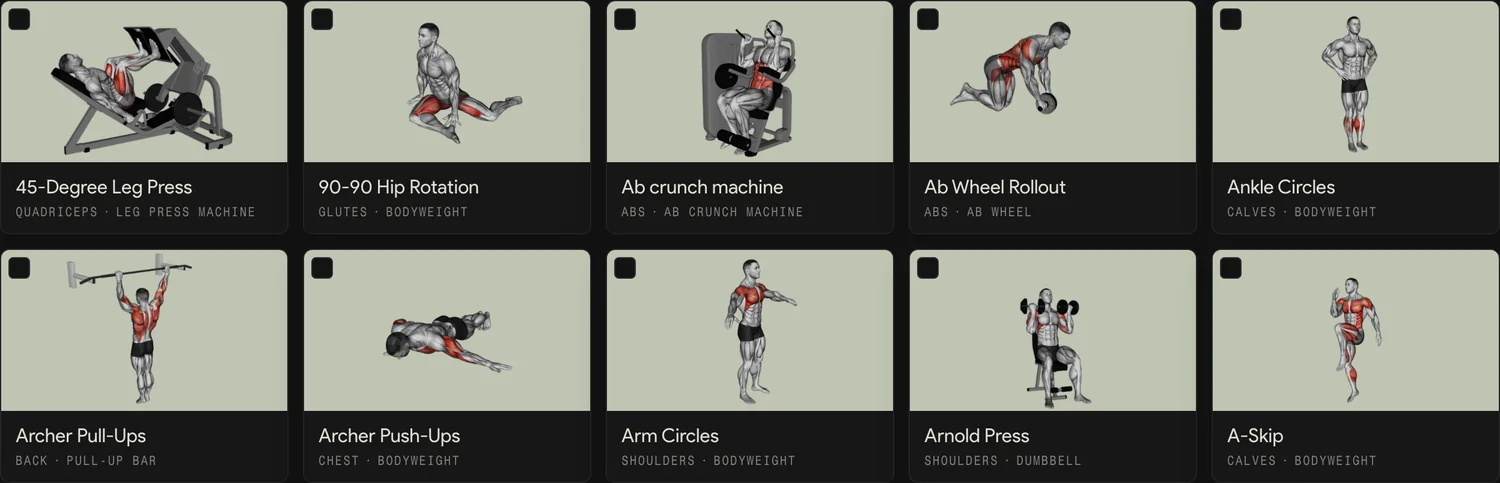
The catalog starts with Kaizer's library: exercise cards with videos and cues, ready to use.
- 02
Your exercises
A custom exercise has a name, muscle group, equipment and, if you want, a video you upload or paste as a link.
- 03
Search and filters
Search by name and filter by muscle group, equipment and tags.
- 04
House tags
Your gym's own tags, like Main or Accessory, that the team uses to filter the catalog.
- 05
The video, in the member's app
It is what members see in the app when they are not sure how to do the movement.
Who does what with the catalog
| Action | Admin | Coach |
|---|---|---|
| Search and open each exercise's card | Yes | Yes |
| Use the exercises in routines | Yes | Yes |
| Create and edit custom exercises | Yes | No |
| Bulk tag, change videos and names | Yes | No |
| Remove an unused exercise from the catalog | Yes | No |
| Import exercises from a file | Yes | No |
How you load the exercises you already use
- 1
Upload the file you have
The arrow next to Add Exercise opens Import exercises: it takes a PDF, Word, Excel, CSV, text file or an image.
- 2
The AI sorts them out
Kaizer matches each exercise with the catalog and adds the missing ones. When it finishes, they show up in your gym's catalog.
- 3
Adjust them in bulk
Select several, or use Select all, to add tags, change videos, edit names or delete them.
One catalog for routines, programs and AI
Each member's routines, the gym-floor programs and the templates are built with the exercises in this catalog, so what you curate here is what the whole gym trains.
Kaizer's AI works on it too: it builds routines with your gym's exercises instead of inventing movements your floor does not have.
In short
Kaizer for Gyms gives your gym its own exercise catalog: Kaizer's exercises plus the ones you add, with video. The whole staff builds routines with the same exercises and the admin curates it. It works for boxes, studios and gyms, and it comes with every plan, from USD 49 a month.
Updated:
Frequently asked questions
Which exercises does the catalog include?
The ones in Kaizer's library, with videos and cues, plus the ones your gym adds.
Can I add my own exercises?
Yes. The admin creates exercises with a name, muscle group, equipment and a video uploaded or pasted as a link.
Can I import the exercises I already have?
Yes. You upload a PDF, Word, Excel, CSV, text file or an image, and Kaizer's AI matches them with the catalog and adds the missing ones.
Can coaches change the catalog?
No. Curating the catalog is the admin's job. Coaches use it to build routines and see each card in read-only mode.
How much does it cost?
The catalog comes with every Kaizer for Gyms plan: USD 49 a month for up to 50 members, USD 129 for up to 250 and USD 199 for up to 1,000, with 14 days free.





Ready to be the gym nobody wants to leave?
Book a call and we will show you Kaizer set up for your gym.
14-day trial, free and with no card. Or message us on WhatsApp.