
Gym-floor programs your members start from the app
Your floor routine published in the app, so every member can start it whenever they want.
What a gym-floor program is
A training plan with weeks and sessions, like the one you build for a member, but published for the whole gym.
- 01
The whole gym sees it
A training plan is visible to staff only. Once you publish it as a gym-floor program, it shows up in your members' app under your gym's brand.
- 02
Members start it on their own
Nobody has to assign it: the member picks the program in the app and starts. If you prefer, a coach can also add it to a member from Assigned members.
- 03
Full sessions
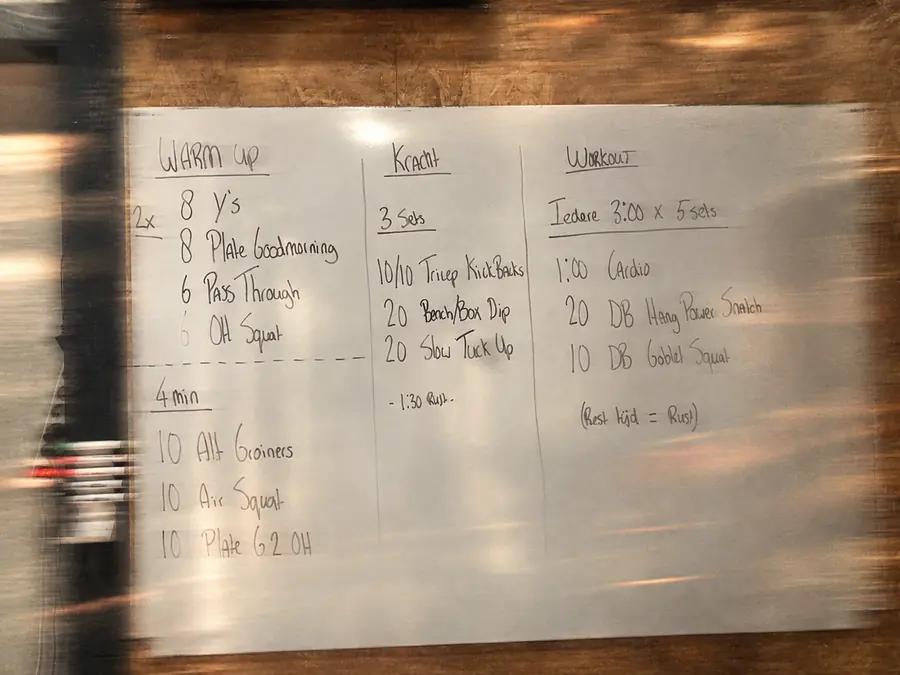
Each program has its weeks and sessions, with exercises from the gym's catalog, sets, reps, circuits and whiteboards with instructions.
- 04
A starting point for new members
Pick a program built for beginners as the welcome plan in Automations, and every new member has something to train from day one.
- 05
See who is doing it
Each program shows how many members have it, and the detail lists the assigned members.
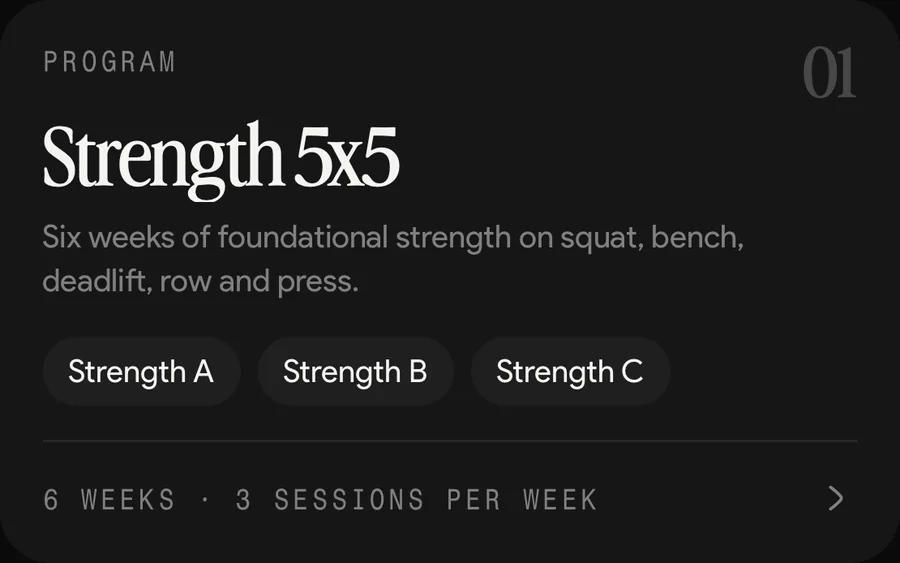
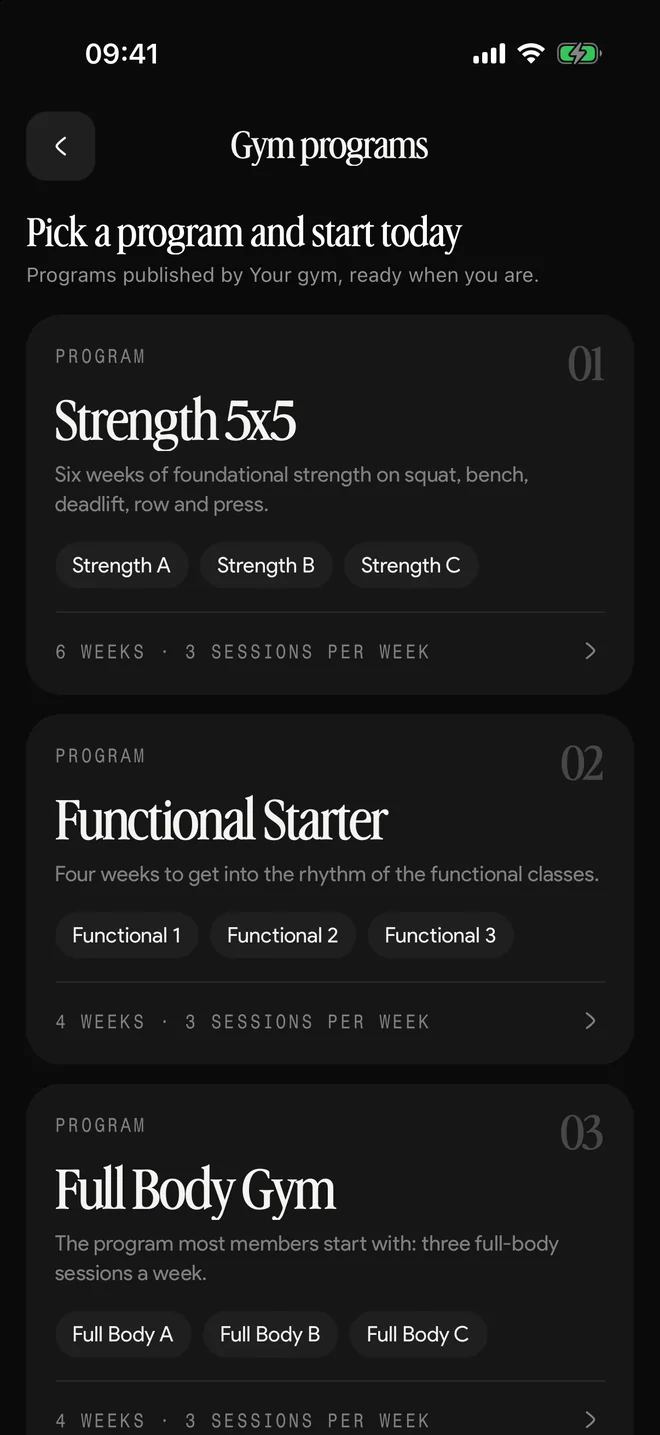
How you publish a program
There are two paths, depending on whether you want it live now or want to finish it first.
- 1
Create it from Gym programs
Create program publishes it right away: members see it as soon as you create it, and then you build the sessions in the editor.
- 2
Or build it as a training plan in Templates
While it is a training plan only staff can see it, so you can leave it half done. When it is ready, you turn it into a gym-floor program.
- 3
Bring changes to members who already have it
If you edit a program members have already started, Sync plan carries the changes into their routines.
Who does what with programs
| Action | Admin | Coach |
|---|---|---|
| Create and publish a program | Yes | No |
| Unpublish a program | Yes | No |
| Edit the sessions | Yes | Yes |
| See published programs | Yes | Yes |
| Assign it to a member | Yes | Yes |
| Duplicate it or export it as PDF | Yes | Yes |
Unpublishing takes the program out of the app and sends it back to Templates as a training plan. Members who already started it keep their routine.
In short
A gym-floor program is the routine your gym publishes for the whole floor. Members see it in the app and start it on their own, without waiting for a coach to assign it. The admin publishes it and the team edits it. It comes with every Kaizer for Gyms plan, from USD 49 a month.
Updated:
Frequently asked questions
What is the difference between a training plan and a gym-floor program?
Who can see it. A training plan is visible to staff only. A gym-floor program is a published training plan: members see it in the app and can start it on their own.
Does a coach have to assign the program to my members?
No. The member picks it in the app and starts. If you want, a coach can also add it from the program's detail.
What happens if I unpublish a program?
It leaves the app and goes back to Templates as a training plan. Members who had already started it keep their routine, so nobody is left without a workout.
If I change the program, do my members get the change?
Members who already started it do, when you use Sync plan. That way you decide when the routine of someone already training gets updated.
How much does it cost?
Gym-floor programs come with every Kaizer for Gyms plan: USD 49 a month for up to 50 members, USD 129 for up to 250 and USD 199 for up to 1,000, with 14 days free.





Ready to be the gym nobody wants to leave?
Book a call and we will show you Kaizer set up for your gym.
14-day trial, free and with no card. Or message us on WhatsApp.